
How To Edit Your Podcast Using GarageBand
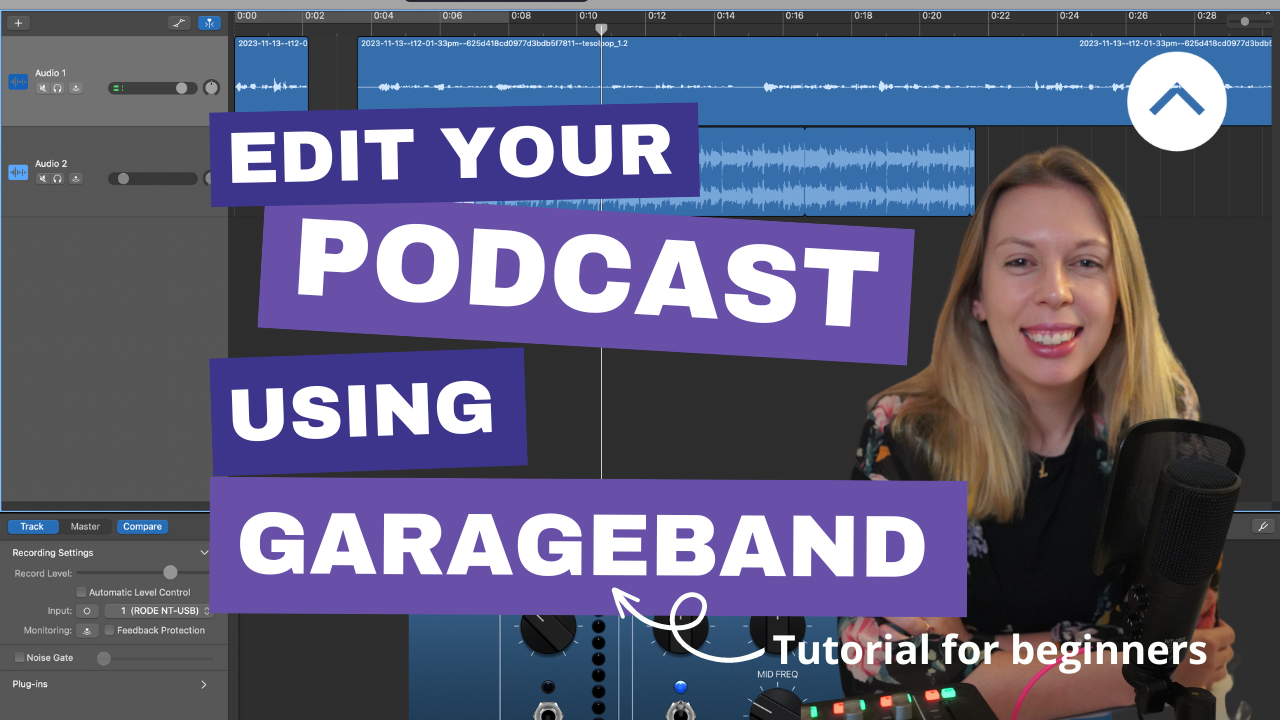
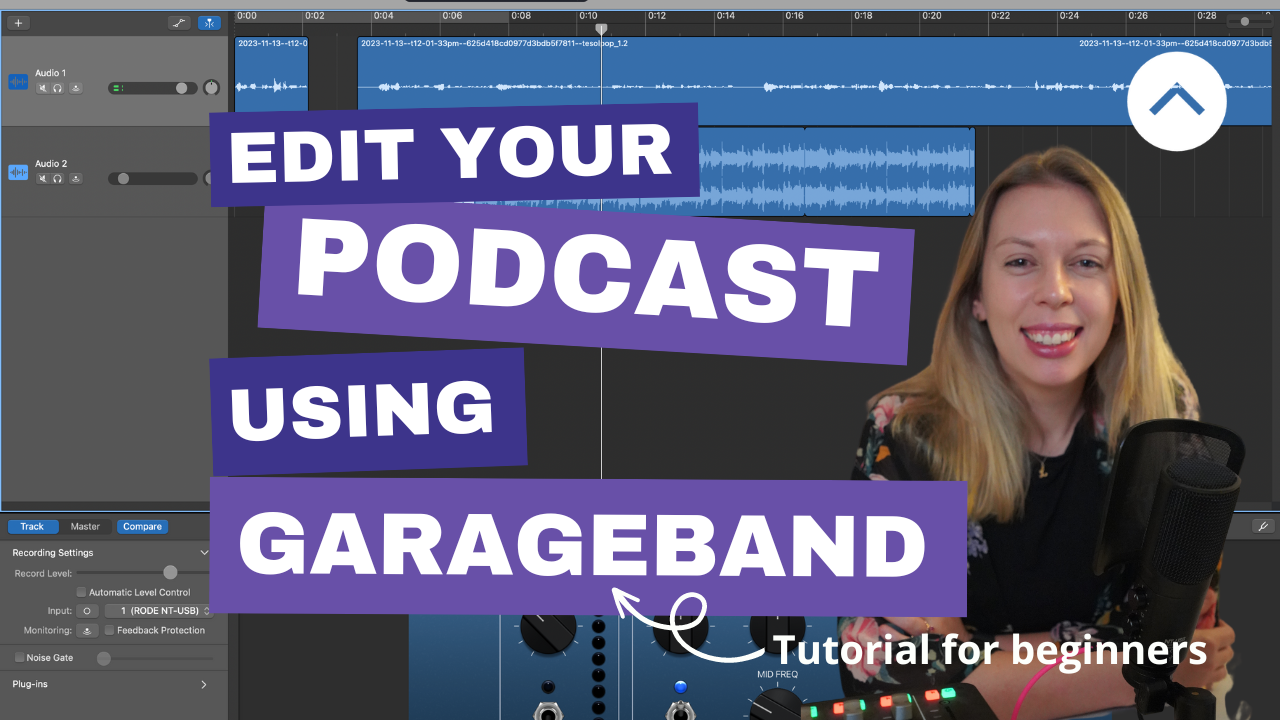
Are you new to podcasting and looking for software to edit your show? In this blog, we'll focus on GarageBand software as an option to edit your show. We'll look at the pros and cons of this software, as well as walk through how to use essential features to edit podcast episodes in the video below.
Hopefully, this blog and video tutorials will help you decide whether GarageBand editing software is right for you.
1. What's great about GarageBand?
Cost-Effective Solution: GarageBand is free for Mac users. It comes pre-installed on Mac devices, making it accessible and readily available for macOS, iPadOS, and iOS devices.
User-Friendly Interface: GarageBand has a user-friendly interface (in my opinion), making it accessible for beginner podcasters. Its design doesn't compromise on functionality, allowing for a smooth editing process.
Abundance of Tutorial Resources: There's a wealth of tutorial videos on YouTube where editors share best practices. These resources help you learn the basics and enhance your editing skills.
Shortcut Efficiency: GarageBand includes helpful shortcuts like the Command⌘ + T shortcut demonstrated in the video below. These shortcuts streamline the editing process, allowing users to work more efficiently.
2. What are the limitations?
While GarageBand is a powerful tool for podcast editing, it does come with a few limitations that you should be aware of:
Limited Advanced Features: GarageBand, designed with simplicity in mind, may lack some advanced features found in more professional audio editing software like Adobe Audition or Pro Tools. This could be a drawback if you need highly customisable options.
Mac-Exclusive: While GarageBand is free for Mac users, it is not natively available for PC users. Although there are free versions available for PCs, they may not offer the same seamless experience as their Mac counterpart.
Learning Curve for Complex Projects: GarageBand might present a steeper learning curve for intricate podcast projects with numerous tracks and complex audio needs. You might find it challenging to handle intricate edits or advanced effects.
Lack of Editing Presets: While there are shortcuts, GarageBand lacks preset options. Editing presets act like ready-made templates that you can select to make editing faster. For example, selecting a podcast preset that automatically applies filters and settings that you can then tweak to your preferred setting.
3. How does GarageBand work?
In the video tutorial below, I cover the following essential steps in podcast editing using GarageBand:
Importing Audio Tracks: Learn how to add tracks and import existing audio files into GarageBand to create your episode.
Clipping Tracks: Explore techniques for clipping tracks to remove unwanted sections and create a polished final product.
Adding Music and Adjusting Volume: Discover how to enhance your podcast with background music, adjusting volume levels for an engaging listening experience.
Preparing for Export: Follow the steps to set the output point, ensuring your podcast ends on a high note and is ready for sharing.
Ready to start editing? Watch the tutorial here.
4. Who is GarageBand designed for?
If you’re a Mac user and new to podcasting, then it makes sense to try editing your show using GarageBand. It comes as part of the Mac software package, is user-friendly, and has a good range of tools to enable you to edit your podcast without compromising on quality.
This is true if you adopt a podcast format and style that doesn’t require a lot of treatment or multi-track management. For example, a solo podcaster with high-quality audio and music tracks that need to be clipped up.
If you want to produce something more complex or need advanced tools to treat audio tracks (e.g. remove background noise, increase the bass within someone’s voice etc.), then you may find Adobe Audition or Pro Tools a better fit.
Ready to start podcasting to grow your education business?
My Podcast Pathfinder programme could be the perfect fit for you. To learn more about how I can help you set up and start podcasting to grow your community, check out the Podcast Pathfinder here.
Looking for more resources to inspire you to record?